
Photo check · profile photo · banner
LinkedIn headshot from one photo
Upload one photo of yourself and get a free score as a profile picture with plain fixes. Then make a new one in your role’s style, see it in the small circle LinkedIn uses, and add a banner in its colours.
- One photo is enough
- Photo check is free
- 31 free credits on sign-up
LiHeadshot is independent and not affiliated with or endorsed by LinkedIn.
- Score as a profile picture, with fixes
- New photo from yours, in a circle at feed size
- Banner in your photo’s colours
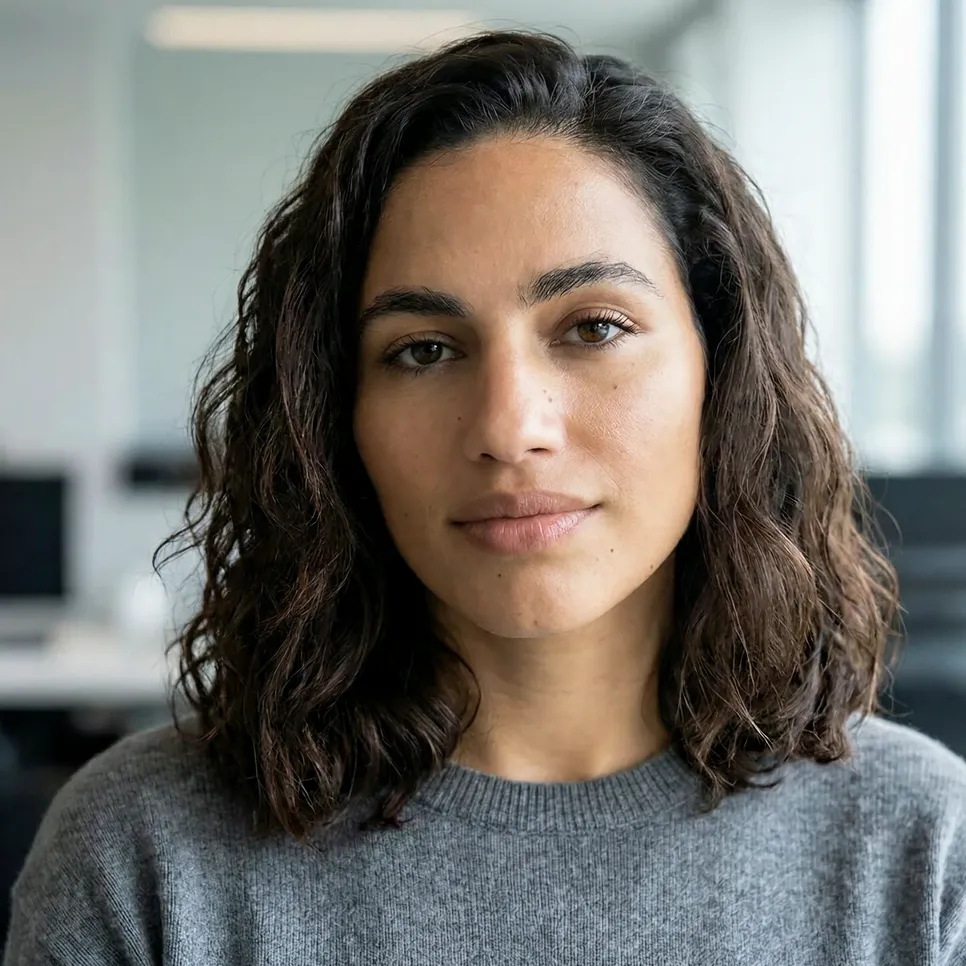
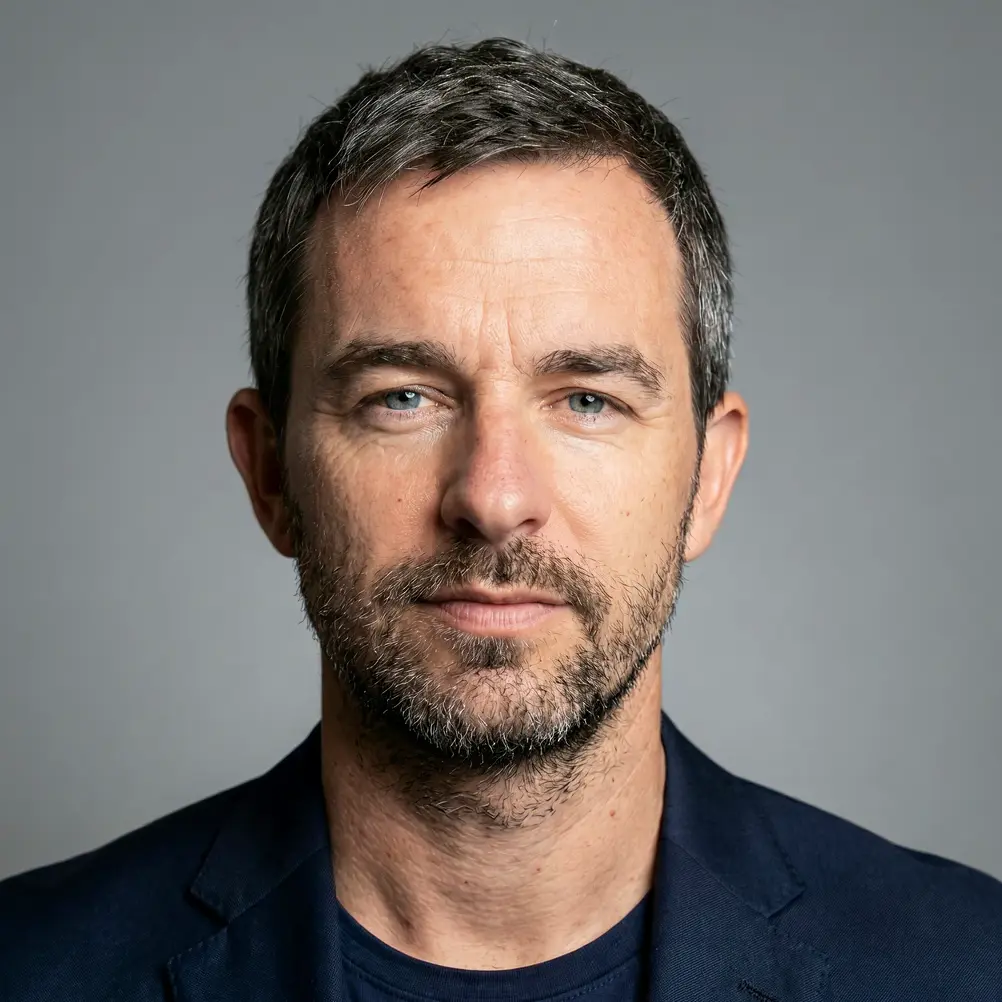
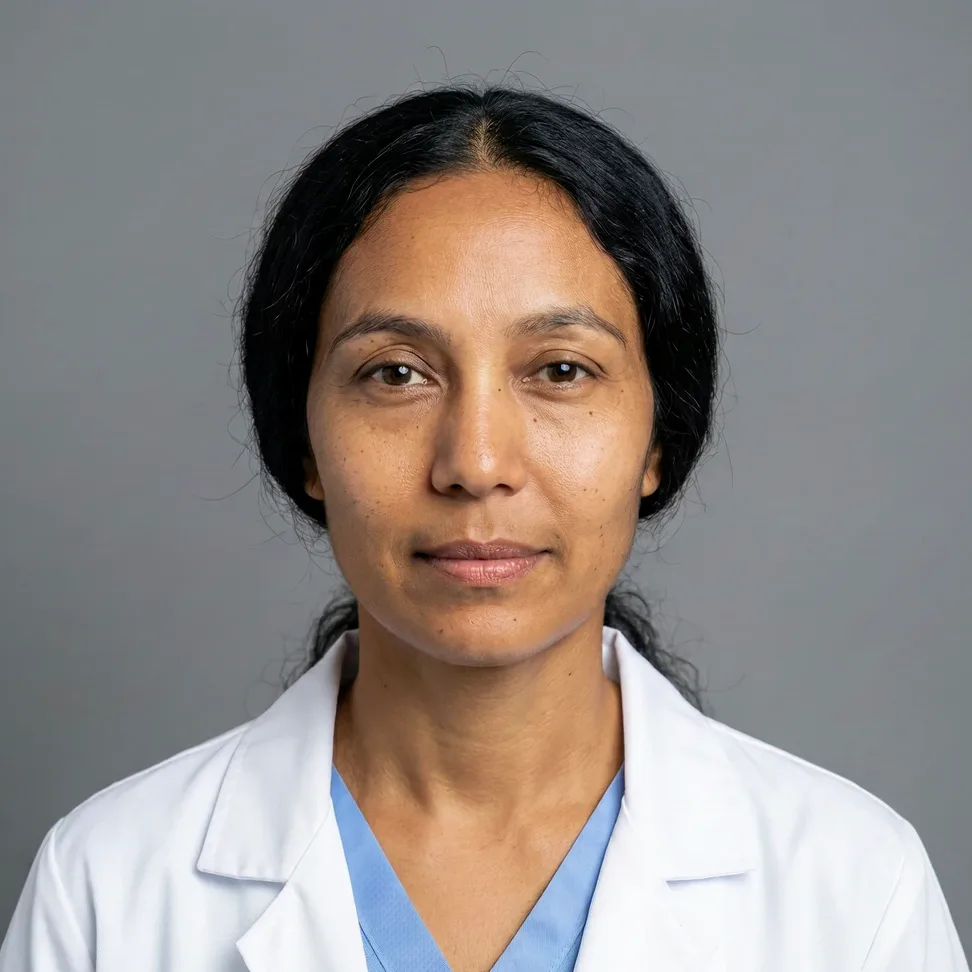

Everyone shown is an AI-generated person who does not exist, photographed in everyday settings and then run through the same profile photo step you use.
Check, fix, add a banner
Start with the free check of one photo of you. Then make a profile photo from it and a banner to match; each step shows the credits before you start.
Check your photo, free
Upload one current photo of yourself. It is checked to show one adult (you), then scored as a profile picture. The check never costs credits.
The short answer
What makes a good LinkedIn headshot
Five things decide how a profile picture reads in the small circle recruiters see first.
- Size
- A square photo of at least 400×400 px, under 8 MB. It shows as a circle, down to a few dozen pixels in comments.
- Crop
- Head and shoulders, face centred and filling about 60% of the frame, eyes in the top third.
- What to wear
- What you would wear to the job you want: a jacket for corporate and legal, a plain knit for tech, a lab coat for medical.
- Background
- Plain or softly blurred: studio grey, a blurred office, greenery or your brand colour. No other people.
- Lighting
- Soft, even light on the face from the front, such as a window you face. No harsh side shadows.
How it works
How LiHeadshot makes your LinkedIn headshot
Three steps, from the photo you have to a profile picture and banner you can upload.
- 1
Check your photo
Upload one photo of yourself. It is scored on face size, light, background, eye line, crop, sharpness and expression, free.
- 2
Make the profile photo
Pick a role, attire and background. The new photo is made from yours and shown in the small circle before you download it.
- 3
Add a matching banner
A background in your photo’s colours at 1584×396 or 1128×191, with your headline set in by your browser.
Role presets
Styled for the work you do
Each preset sets the clothing and the mood of the photo; the background is always your choice.
Corporate
A dark tailored jacket over a plain shirt; confident and approachable.
Business casual
A plain blazer over a knit or open collar; friendly and professional.
Creative
A well-fitted plain top in a muted colour; warm, with a natural smile.
Tech
A plain crew-neck sweater or quarter-zip; easy-going and focused.
Academic
A soft blazer or cardigan over a collared shirt; thoughtful.
Medical
A white coat over plain scrubs; calm, trustworthy and kind.
Legal
A dark formal suit; composed and assured.

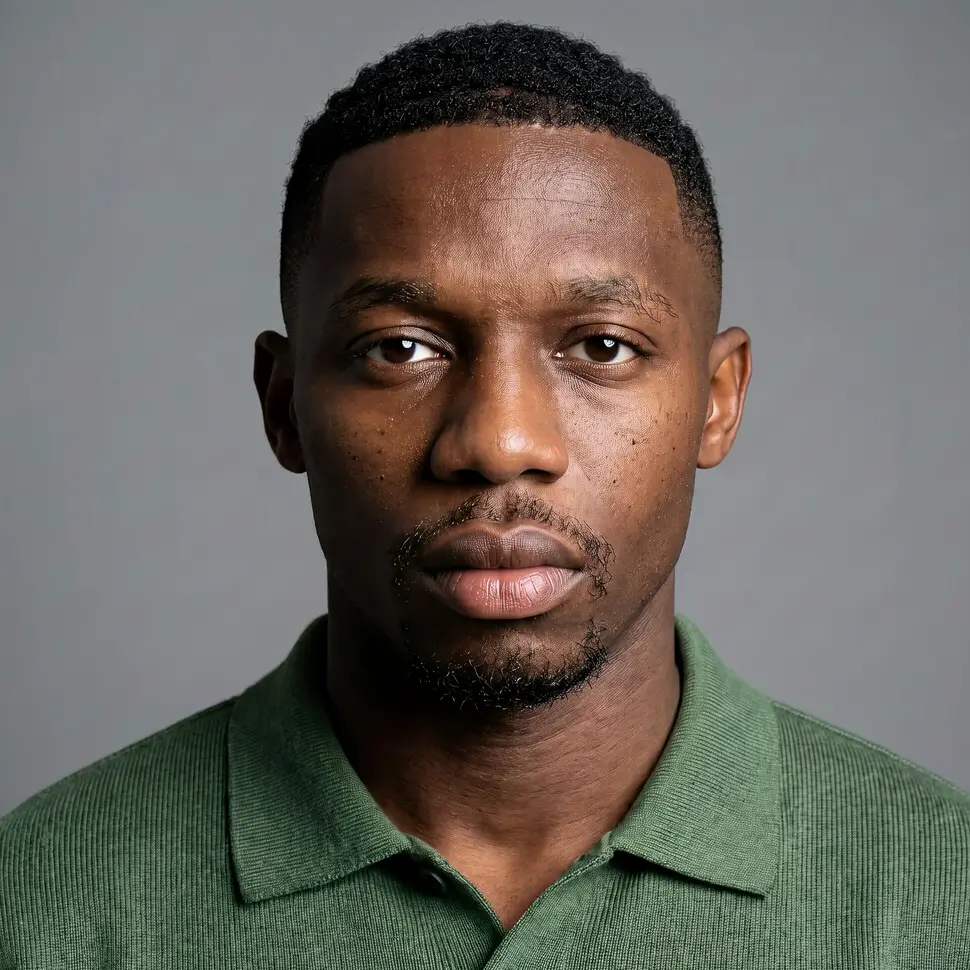
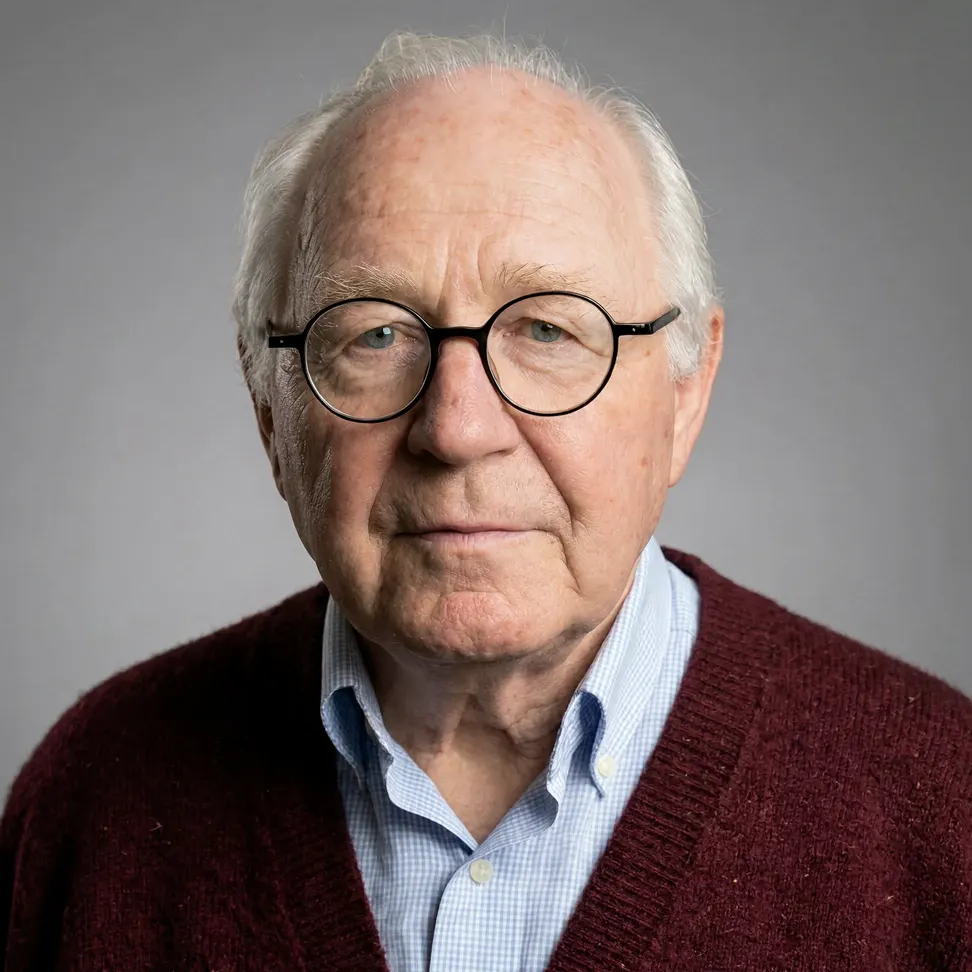
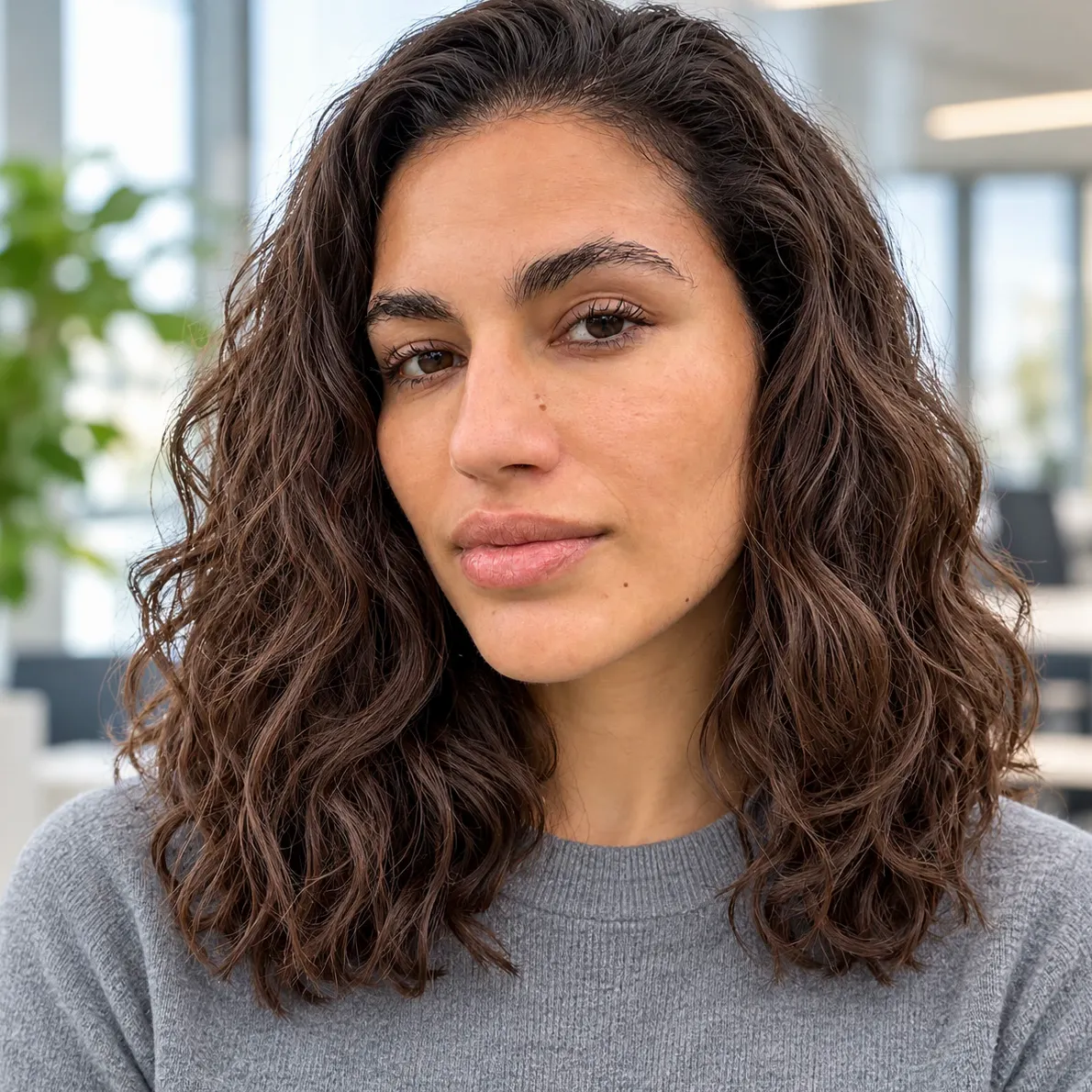
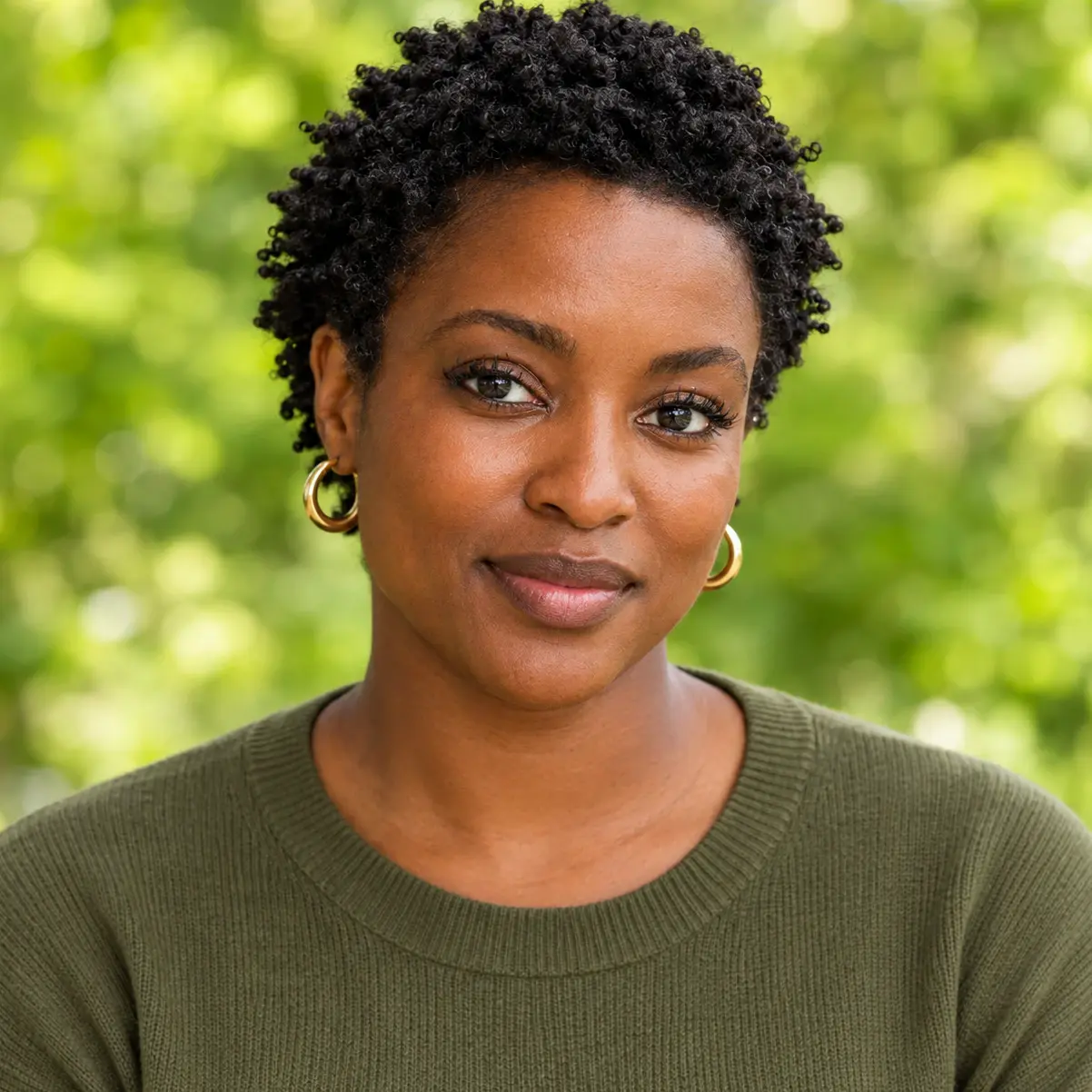
Your photo, your consent
Only photos of you, kept only as long as needed
Your own photo
You confirm the photos are of you and that you are an adult. That consent is stored with each photo and checked again before anything is charged.
Refused before anything is made
Photos of children, of public figures, of more than one person or of someone other than you are refused by the automatic check, and nothing is charged.
Deleted on a schedule
Uploaded photos are deleted 7 days after upload, finished photos and banners after 30 days, and you can delete any of them sooner.
Pricing
Free check, then pay per photo
New accounts get 31 free credits once, enough for one profile photo. The photo check never costs credits.
Every plan and kit: Free photo check with plain fixes · Square 1K photos, circle preview, 4:5 on MiniMax H3 Image · Role, attire and background presets · Matching banner in both banner sizes · Use on profiles, résumés and company sites.
Job Hunt
A few full kits a month while you apply
$5.25/month
Renews monthly · credits valid 31 days
- 1,215 credits
- Enough for about 7 full kits
Interview Season
Room to redo your photo and banner for every role
$12.75/month
Renews monthly · credits valid 31 days
- 3,235 credits
- Enough for about 21 full kits
Career Move
Plenty of photos and banners, the lowest price per credit
$26.09/month
Renews monthly · credits valid 31 days
- 6,860 credits
- Enough for about 44 full kits
Starter Kit
One payment for a few profile photos and a banner; credits never expire
$2.99one-time
One payment · credits never expire
- 545 credits
- Enough for about 3 full kits
- Credits never expire
Refresh Kit
One payment for several full kits; credits never expire
$7.29one-time
One payment · credits never expire
- 1,575 credits
- Enough for about 10 full kits
- Credits never expire
Cohort Kit
One payment for a group of kits; credits never expire
$17.19one-time
One payment · credits never expire
- 3,745 credits
- Enough for about 24 full kits
- Credits never expire
Team plans
One workspace with a shared credit pool, for careers services and outplacement teams. Priced per seat, at least 3 seats; the owner invites members from Settings → Team, and each member uploads only their own photos.
Careers Office
Per seat: one shared credit pool for a careers team
$10.39/seat/month
$31.17 a month in total
- 8,355 shared credits a month
- One shared credit pool for the team
- Usage by member
Outplacement Desk
Per seat, with a credit limit per member
$24.09/seat/month
$72.27 a month in total
- 19,080 shared credits a month
- One shared credit pool for the team
- Usage by member
- Credit limits per member
Free: 31 credits once, when you sign up and verify your email, with no card needed: enough for one profile photo (31 credits). The photo check is always free. They never expire.
Money back within 7 days (monthly plans), 10 days (yearly plans) or 10 days (packs) if you used no more than 10% of the credits; you get back the unused part (a yearly plan is measured against the whole year's credits).
LinkedIn headshot FAQ
What is LiHeadshot?
LiHeadshot (liheadshot.net) checks a photo of you as a LinkedIn profile picture for free, makes a new profile photo from it in your role’s style, and makes a matching banner. It is independent and not part of LinkedIn.
What size should a LinkedIn headshot be?
A square image of at least 400×400 pixels, under 8 MB. LiHeadshot makes 1K square photos (4:5 too on MiniMax H3 Image) and shows each one in a circle at profile and feed size.
Is it free to try?
Yes. The photo check is always free, and new accounts get 31 free credits once after verifying their email, enough for one profile photo (31 credits). No card needed.
Do I need many selfies?
No, one clear photo of you is enough. You can add up to three more for a closer likeness; each one is checked to be the same person.
What does the photo check look at?
Seven things: how much of the circle your face fills, the light on your face, the background, whether you look into the lens, the crop, sharpness and expression. You get a score out of 100 and the fixes worth the most points first.
What should I wear in a LinkedIn photo?
What you would wear to the job you want. The role presets set it for you: a tailored jacket for corporate and legal, a blazer for business casual and academic, plain tops for creative and tech, a white coat for medical. Or keep the clothes from your photo.
What is the banner for?
It is the background image behind your profile picture: 1584×396 for a profile and 1128×191 for a company page. LiHeadshot paints one in your photo’s colours and sets your headline in your browser, so you can change the text for free.
Which AI models make the photos?
You choose MiniMax H3 Image or GPT Image 2.6 for profile photos; each result names the model that made it. Banners use MiniMax H3 Image, and the free check uses Gemini.
Can I upload a photo of someone else?
No. Upload only photos of yourself, as an adult, after accepting the consent screen. Photos of children, public figures, groups or someone other than you are refused.
How long are my photos kept?
Uploaded photos are deleted automatically 7 days after upload, and finished photos and banners after 30 days. You can delete any of them sooner, and they are never used to train models.
Is LiHeadshot made by LinkedIn?
No. LiHeadshot is independent and not affiliated with or endorsed by LinkedIn. It makes images in the sizes LinkedIn uses; you upload them to your profile yourself.
Do failed photos cost credits?
No. A photo or banner that fails to render is refunded automatically, and a request refused by the checks is never charged.
Updated
See how your photo reads in the circle
The check is free and takes one photo. Fix what it finds, or make a new profile picture from it.
Check my photo free