
Professional profile picture for work, from one photo

A professional profile picture is a clear, well-lit head-and-shoulders photo of you on a plain or softly blurred background, dressed the way people in your field dress. It is the same picture on LinkedIn, a CV, a company website, Slack or Teams and an email signature, so people recognise you everywhere. LiHeadshot makes one from a single photo of yourself, styled by role preset, in square for profile circles or 4:5 for CVs and team pages.

Updated

The specs

Profile circles
Square 1:1, 400 px or larger
CV and team pages
Portrait 4:5
Work chat avatars
Square, face filling the frame
Email signature
Square, shown at about 100 px
Made at
1K, JPG or PNG download

Do

  • Use one picture everywhere you work online
  • Match the attire to your field, not to a stock photo
  • Keep the background calm so the face stands out
  • Pick 4:5 for a CV and square for avatars

Avoid

  • Different photos on every platform
  • Formal suits for a creative role, or a hoodie for a legal one
  • Logos or text in the picture
  • Photos older than a few years

Make your profile photo

Role
Attire
Background
Shape
Model
How many
Your profile photos appear here, each in the small circle it will sit in.

From an everyday photo to a profile picture

Profile photo of a man with short greying hair and a trimmed beard in a navy jacket on a studio grey backdrop
Tobias · Finance director
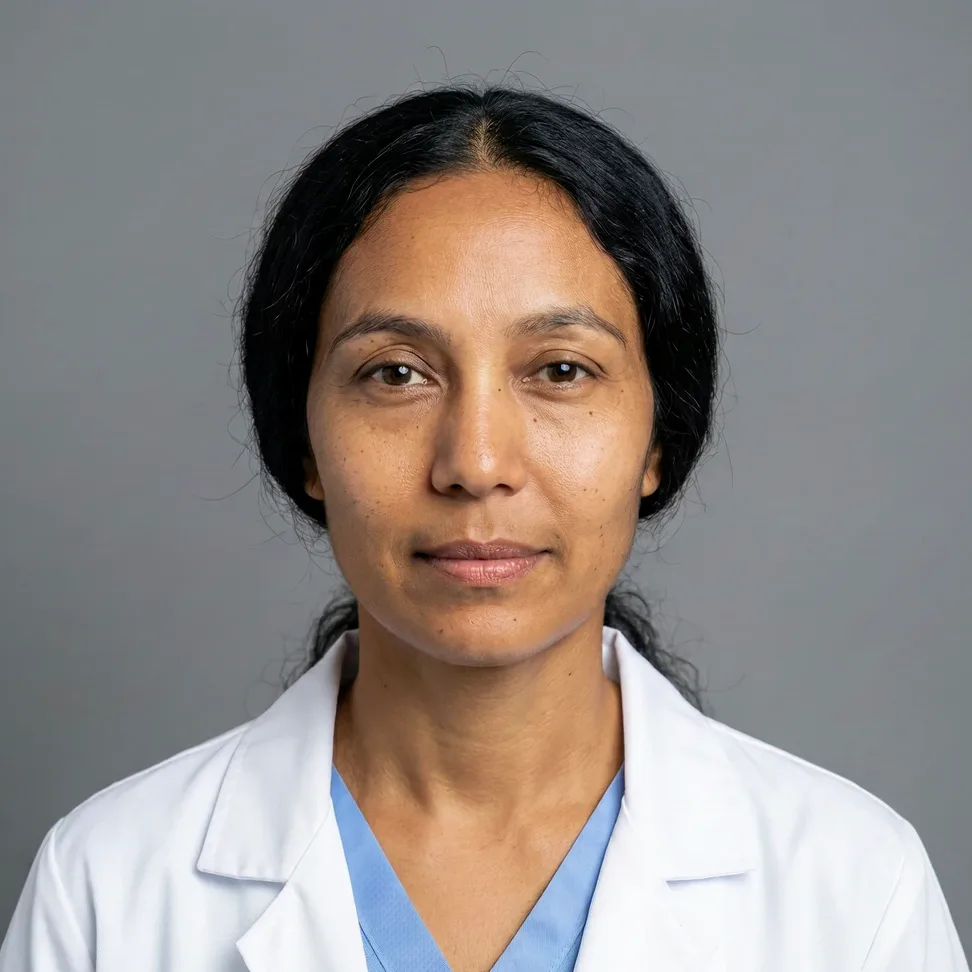
Profile photo of a woman with long dark hair tied back in a white coat over blue scrubs on a studio grey backdrop
Priya · Family doctor
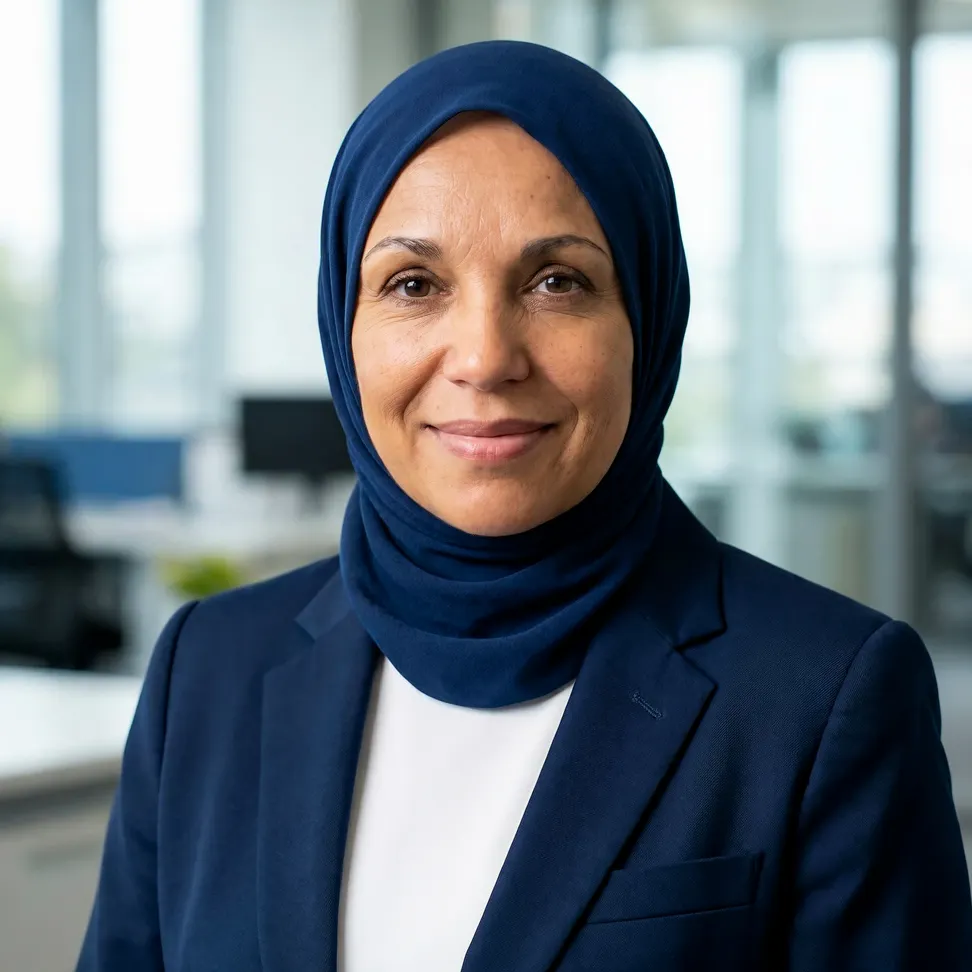
Profile photo of a woman in a dark blue hijab and navy blazer, softly blurred office behind her
Leila · Operations manager
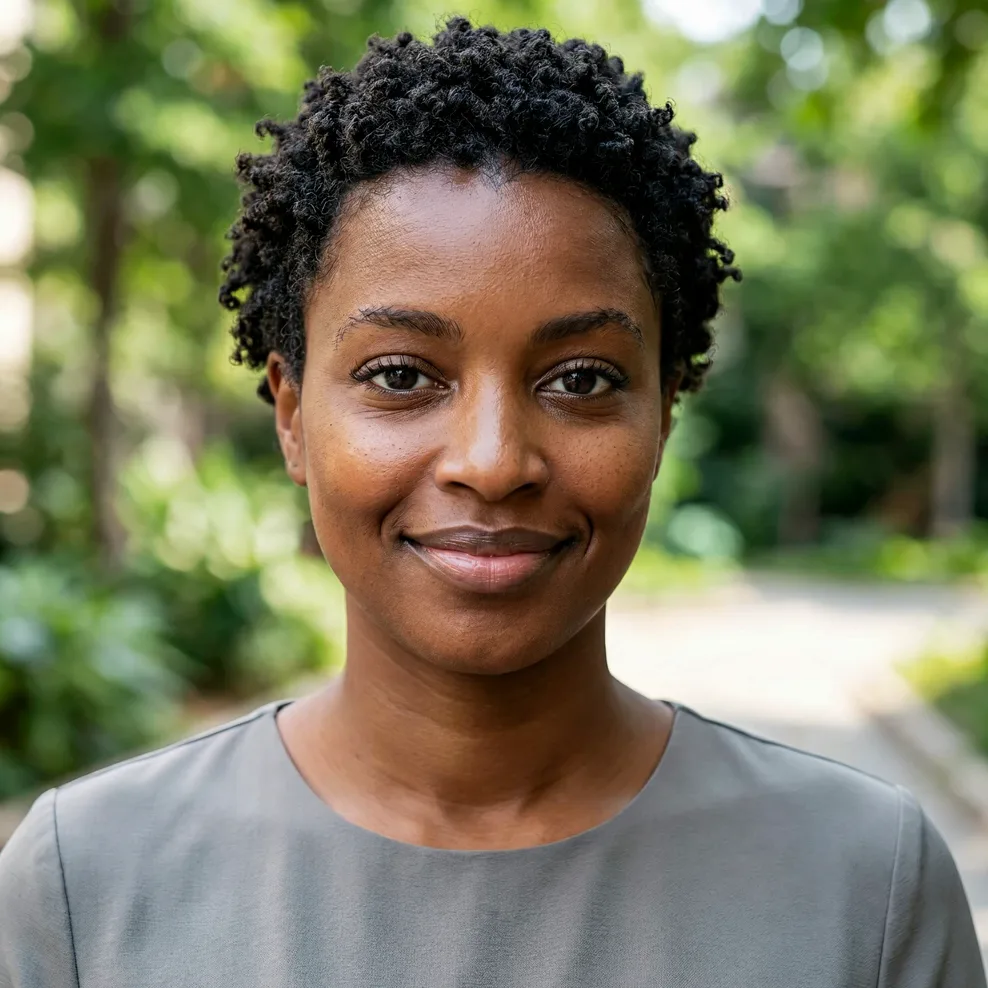
Profile photo of a woman with short natural coily hair in a sage green top, leafy outdoor background softly blurred
Nkechi · Brand designer

Everyone shown is an AI-generated person who does not exist, photographed in everyday settings and then run through the same profile photo step you use.

How it works

  1. 1

    Check one photo of you

    Upload a current photo of yourself. It must show one adult, you, and it is scored as a profile picture for free. It is deleted 7 days after upload.

  2. 2

    Pick role, attire and background

    Seven role presets set the clothing and mood: corporate, business casual, creative, tech, academic, medical and legal. Choose attire (as in your photo, smart casual, business or the role’s own) and a background (studio grey, office blur, outdoor or your brand colour), then square or 4:5.

  3. 3

    Download, then add a banner

    Save the photo you like as a JPG or PNG. If you also want a banner for LinkedIn or a company page, the third step makes one in your photo’s colours.

Good for

  • CVs and job applications that ask for a photo
  • Company websites, speaker pages and author bios
  • Slack, Teams and other work chat avatars
  • Freelancers and consultants on marketplaces

What makes a profile picture professional?

Three things: your face is clear, the setting does not compete with it, and your clothes fit your work. Clear means sharp, evenly lit and large enough in the frame to read at small sizes. A calm setting is a plain or blurred background with no other people. Fitting clothes depend on the field: a suit jacket reads right for corporate and legal roles, a plain knit for tech, a lab coat for medical profiles.

How the role presets differ

Each preset changes the clothing, when you choose the role’s attire, and the expression the picture aims for. Corporate and legal go for a tailored jacket and a composed look; business casual and academic for a blazer or cardigan; creative and tech for plain tops and a relaxed look; medical for a white coat over scrubs and a calm, kind look. The background is your own choice in every preset.

Square or 4:5?

Use square for anything shown in a circle or a small tile: LinkedIn, work chat, email signatures and most marketplaces. Use 4:5 for a CV photo or a team page with portrait cards, where a little more of the shoulders helps. Both are made at 1K, which is more than any of these places display. 4:5 is made on MiniMax H3 Image; GPT Image 2.6 makes square only.

What it costs

Every profile photo is 1K: square on either model, or 4:5 on MiniMax H3 Image. A full kit of 4 photos and a banner is 154 credits; the photo check is free.

JobModelCredits
Profile photoMiniMax H3 Image31 credits
Profile photoGPT Image 2.631 credits
Banner backgroundMiniMax H3 Image30 credits
Photo check—Free

New accounts get 31 free credits once, after email verification: enough for one profile photo.

See plans and kits

FAQ

Do I need several photos?

No, one clear photo of yourself is enough. You can add up to three more for a closer likeness; each one is checked to be the same person.

Which background is most professional?

Studio grey is the safest for any field. Office blur suits corporate and business casual profiles, outdoor suits creative and academic ones, and a brand colour suits company websites.

Can I use the picture commercially?

Pictures made with paid credits, from a plan or a pack, come with a commercial licence for your own use, such as your company website or marketing. Pictures made with the free sign-up credits are for personal use, including your own profiles and CV.

Which models make the pictures?

You choose between MiniMax H3 Image and GPT Image 2.6; each result is labelled with the model that made it. Both cost the same number of credits per picture.

Can I make a picture of a colleague?

Only with your own account and your own face. Each person uploads their own photos and gives their own consent. Team plans share one credit pool so colleagues can each make their own.